Step-by-Step Instructions
-
1
Run the built-in cleaning cycle first
Open your printer utility software and navigate to the maintenance section. Run the printhead cleaning cycle. This is the simplest fix and resolves most minor drying issues. Print a test page afterward.
-
2
Run multiple cleaning cycles if needed
If the first cycle does not fully restore quality, run a second and third cycle with a test page between each. Do not run more than three consecutive cycles, as each one uses ink.
-
3
Try the warm water soak method
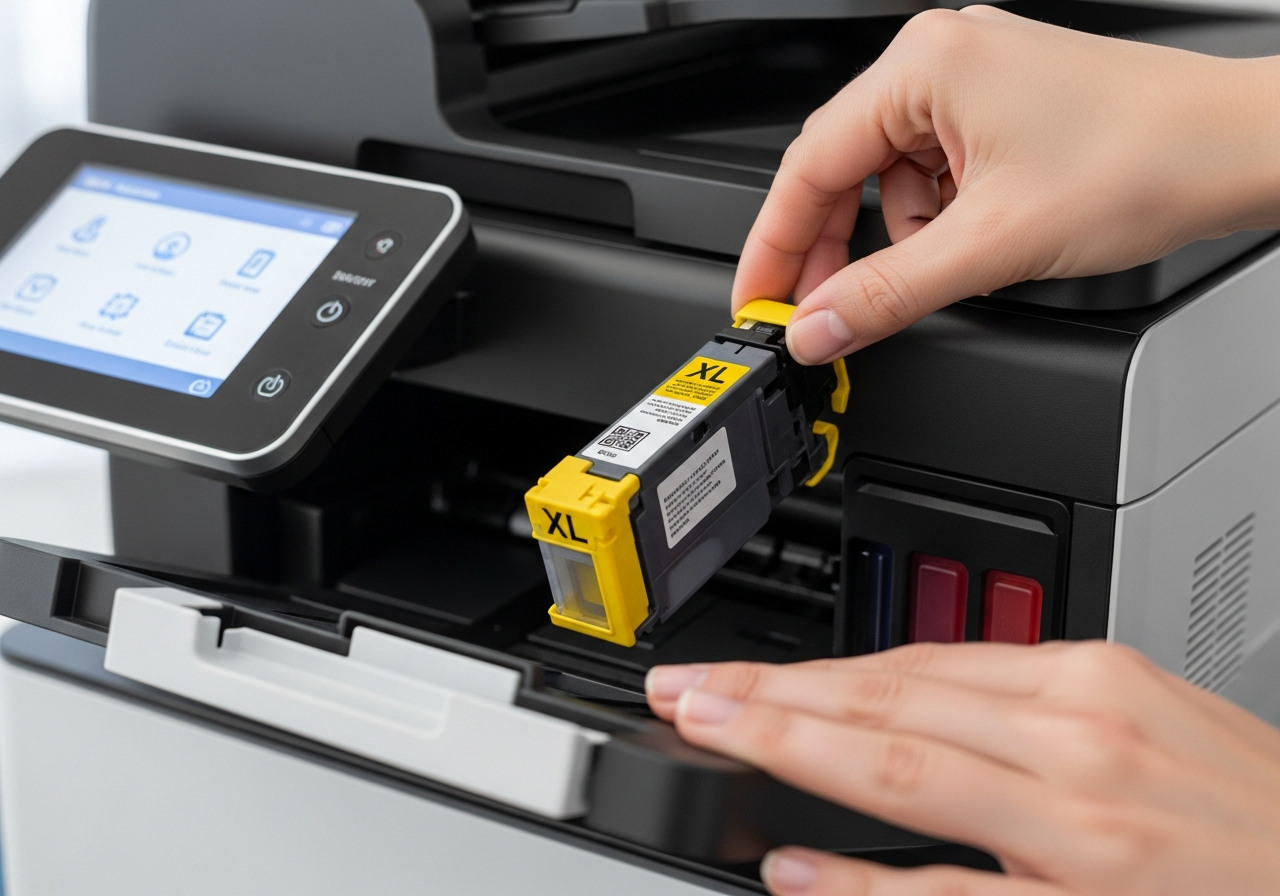
For cartridges with integrated printheads, remove the cartridge. Fill a shallow dish with warm — not hot — water. Place the nozzle end of the cartridge into the water for five to ten minutes. Pat dry with a lint-free cloth, then reinstall and run a test print.
-
4
Use a damp cloth on the printhead
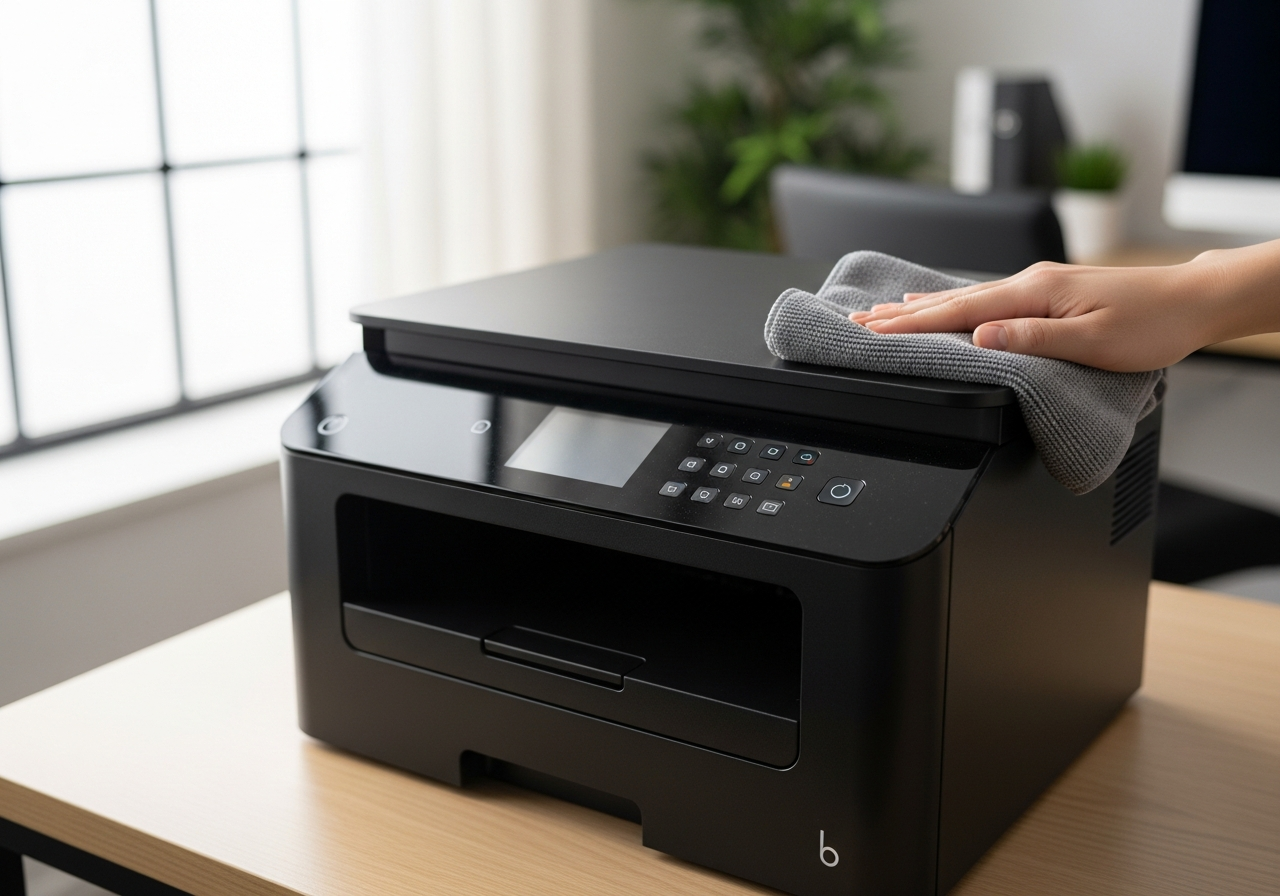
For printers where the printhead is built into the printer, use a lint-free cloth dampened with warm water. Gently press it against the printhead contacts for about thirty seconds. Reinstall the cartridge and run a cleaning cycle.
-
5
Allow time before printing
After any of the above steps, allow the printer to sit for five to ten minutes before printing. This lets any moisture dissipate and the ink to re-settle in the nozzles.
-
6
Replace if not recovered
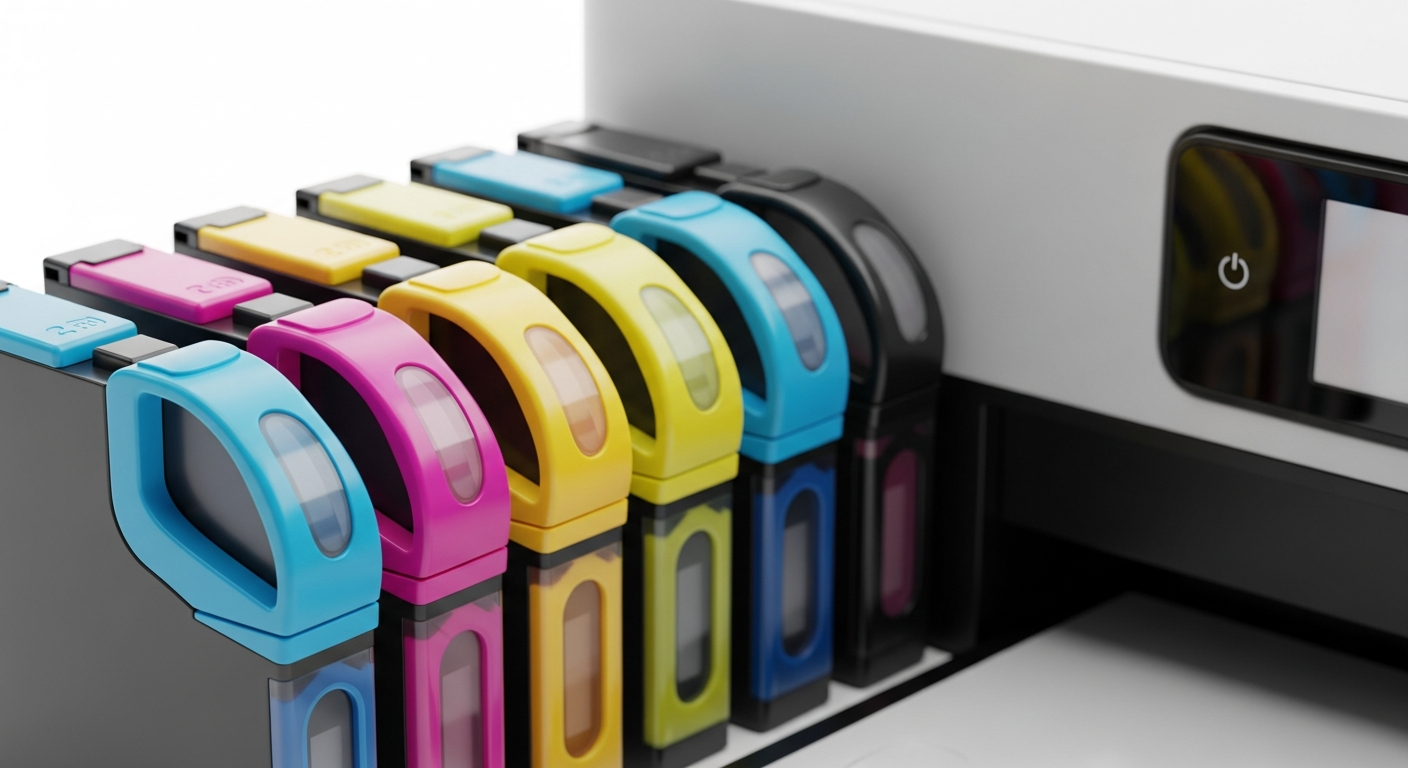
If quality is still noticeably poor after two or three cleaning cycles and the manual methods above, the cartridge or printhead may be permanently blocked. Replacing the cartridge is the most reliable solution at this point.
Helpful Tips
- The best prevention is printing at least one page every week to keep ink flowing.
- Never store cartridges outside the printer for more than a few days without sealing them.
- High temperatures accelerate ink drying — store cartridges and printers away from heat sources.
- Use distilled water for the soak method — minerals in tap water can cause further blockages.
- Some printer models have a deep cleaning cycle option that is more powerful than standard cleaning.